

User self-registration
User can create an account right from the Web Interface login page unless this option is not disabled by the GPS tracking service provider.
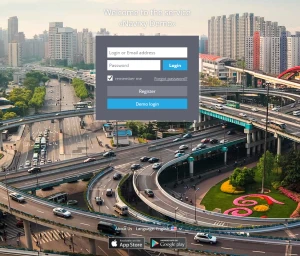
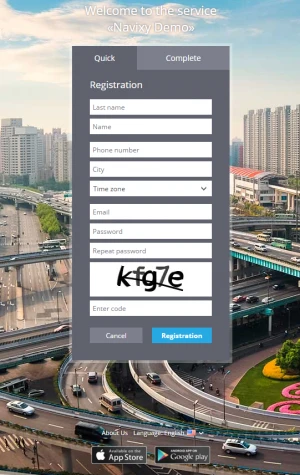
User should fill out a self-registration form specifying all the necessary information including password and the real email address that will be used as a login to access the platform. After user completes self-registration process an email with the confirmation link will be sent to the specified email address for verification purposes. Unless user confirms the registration by following up the link, the account will be blocked and marked as not active in the Admin Panel.
In case user forgets the password, it can be easily recovered with Forgot password option on the login page.