Color mode
This tool enables you to view your tracks in four available Color modes and easily distinguish them on map..
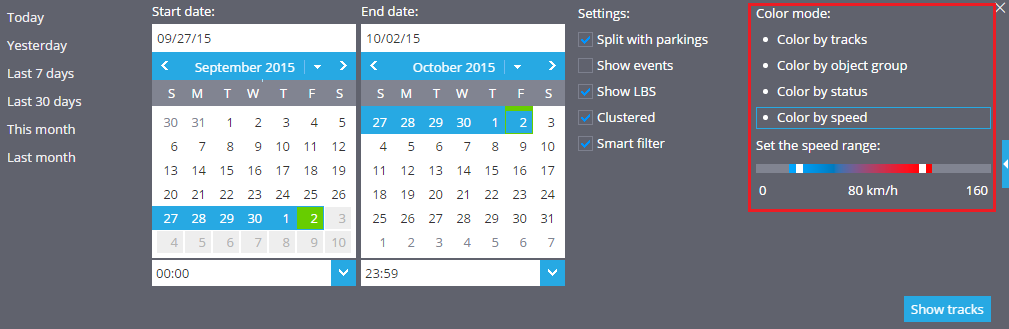
First of all select a particular tracking device from the Object List, then click on 'Tracks' button below the Object List and expand the Tracks panel on the right. After that, choose a necessary color mode:
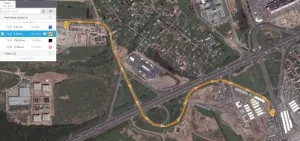
- Color by tracks - each track will be displayed with particular color.
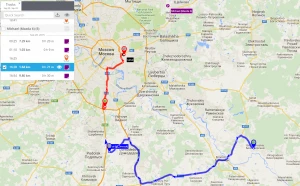
- Color by object group - each object group will have a particular color for all its tracks.
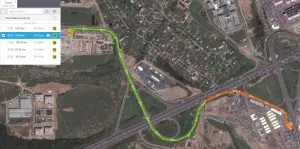
- Color by status: online/offline - a part of track communicated to server in real time will be displayed in green and the part of track communicated to server later (i.e. in case your device was unable to connect to server and stored all the data in its memory) will be displayed in red.
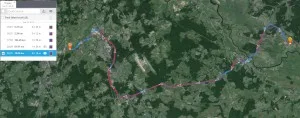
- Color by speed - the color of track can vary from blue to red depending on speed values at each particular track section.