
Object label and group name
There are two types of settings: "Object label" and "Group" to identify and to group objects of tracking.
To change an Object label of a device in the system just find "Object label" panel.
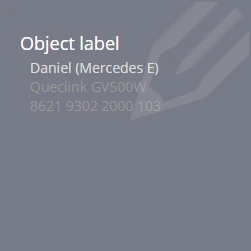
Folded panel contains the following information about the device:
- The current name of the device
- Device model
- Device ID in the system (a unique identifier)
Deploy the panel and write the necessary name. You can specify any name you want:
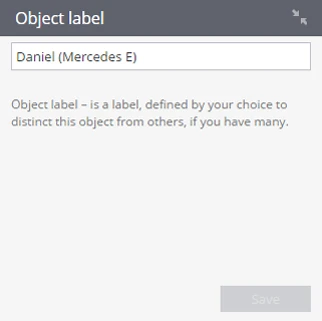
To confirm your changes click Save
To transfer the device to another group, select the "Group" panel:
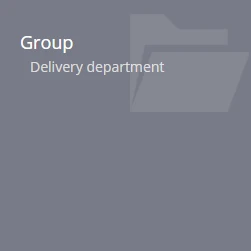
Open the panel to specify a group in which you want to transfer the tracking device.
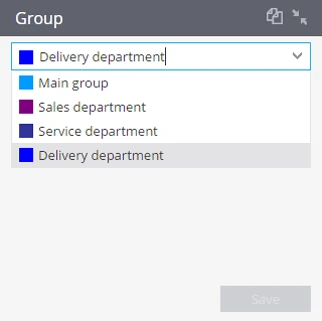
To confirm your changes click Save
Create group:
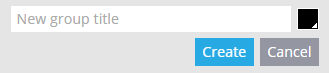
To create a group, click 'addgroup' in the device list.
Specify a name of a new group, select the color and click Create:
Group editing:
Scroll down to the group that you want to edit, at the right of the group there are tools for editing:

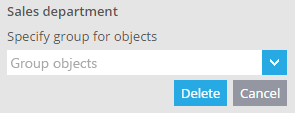
- To delete a group, select the group and click Delete, if in the deleted group there are indicators, it will be necessary to specify other group to which they will be transferred after removal of the current one:
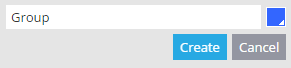
- To change the name and color of the group choose.
To collapse or expand a group, use - and + respectively.