

Courier on the map
This plugin allows you to track orders right on your website and see the real-time location of the courier, its final destination and estimated time of arrival. To use this plugin you need to embed the HTML-code into your website
Getting HTML-code
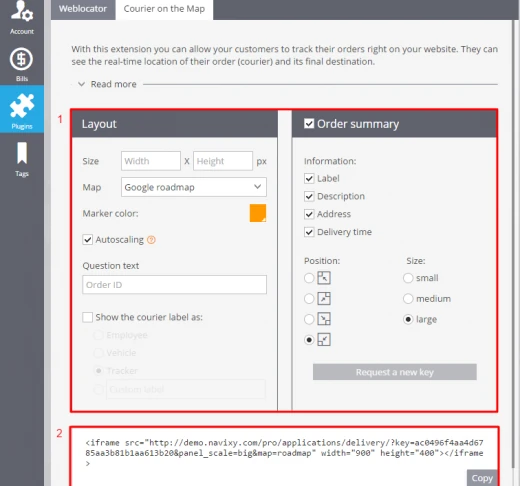
HTML-code is generated automatically. Moreover, you can easily set the parameters of the plugin's layout such as size, map, marker color, etc.
To get HTML-code you need to log in to your account -> Plugins -> Courier on the map, then:

1. Customize the settings of the map (size, map type, show the courier on the map as, etc.) 2. HTML-code with your key is generated automatically. You only need to copy/paste it to your website
Work of the plugin on your website
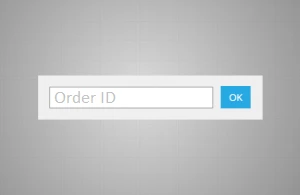
After saving the code you will see the following window with the order indicator. As for the order indicator your clients have to type in, it can be any parameter you define in the "Question text" field of the plugin (order id or client's phone number).
After the order is identified, a client will be able to see its location on the map.
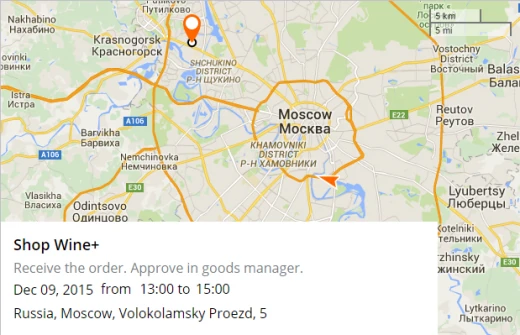
This plugin may be used separately or with other apps.