
Route tasks
Besides simple tasks you may create route tasks. It is very convenient in case an employee should visit several places on the same route. The function helps to estimate convinience of the route and correct it.
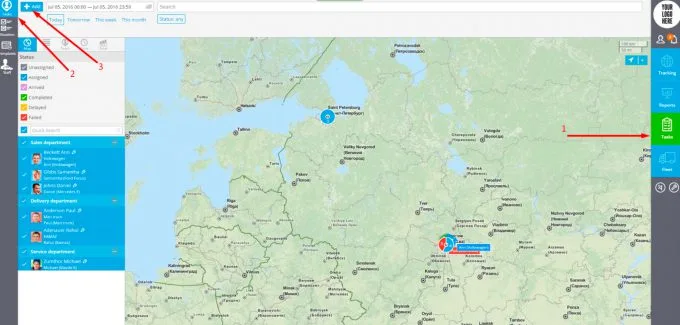
To create a route task you are to:
1. Run the "Tasks" app
2. Open "Tasks" in the top left corner
3. Click "Add"
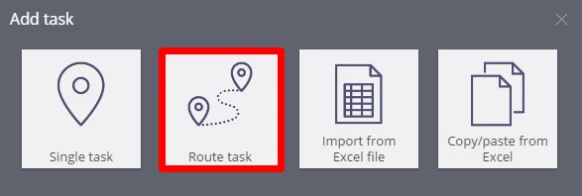
In the new field you should choose "Route task".
In the new tab you will be able to give a title to your task, describe it, add tags, assign it to employee and also add checkpoints to create a route task.
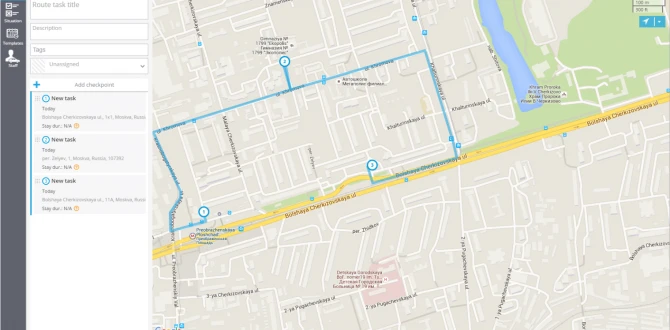
Checkpoints will be automatically connected (taking into consideration traffic system) under the following conditions:
1. A route task was created. Single task's addresses can't be connected.
2. Two or more checkpoints were added. A route won't be created if you have only one checkpoint.
The colour of a route depends on the status of a task. So, if the task has been assigned but is not done yet, its colour is blue. In case a task is failed, the colour is red.
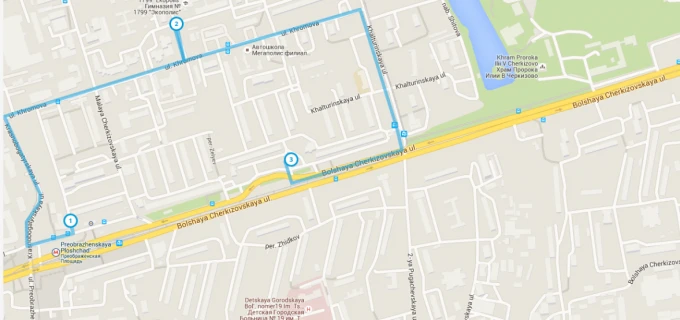
The failed task will look like following:
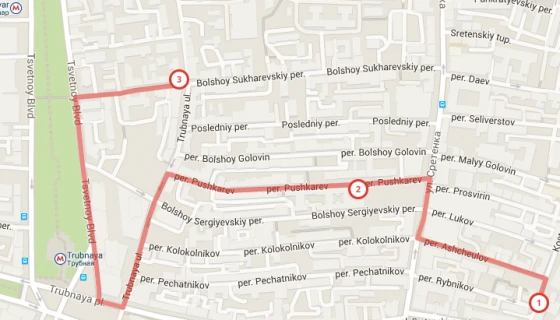
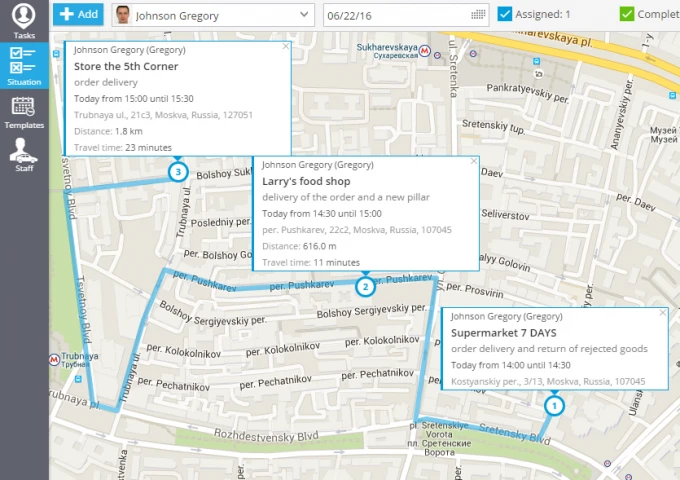
In the field "Situation" (Tasks app) for route tasks you may find detailed information for each point of a route and estimate average time to the next destination.
The system takes into consideration:
1. Travelling time;
2. Duration of previous tasks (time spent for each client).
To see the full information you are just to click on any point of the route. Like at the following picture: