
Operations with reports
To make your work more convenient and easier we offer a great possibility to save reports on computer as XLS or PDF files. But in case you use a tablet or a cellphone it’s possible to print reports without downloading it to the gadget.
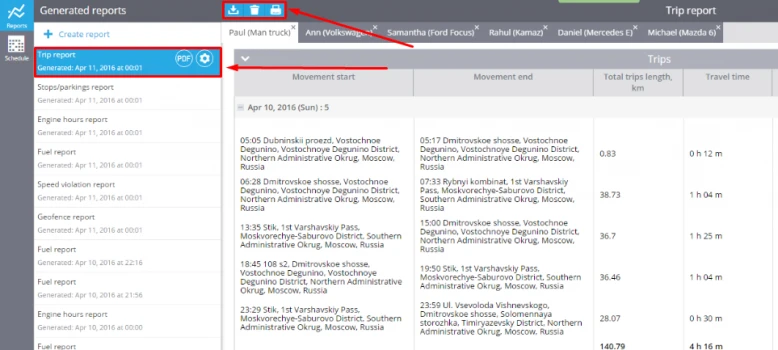
For each created report you may use special tools in the top of your screen.
Download your report
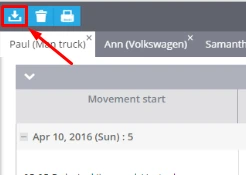
To download your report as XLS/PDF file you should just click on the appropriate button.
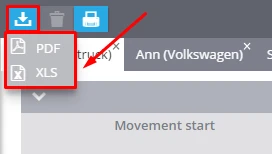
Then choose the format of the downloaded file: XLS or PDF.
Downloaded reports you may find in the downloads folder.
Print your report
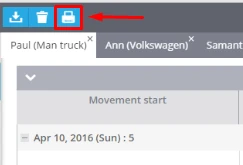
In case you want to print your report without downloading you may do it right from browser. Just press the "Print" button.
Delete your report
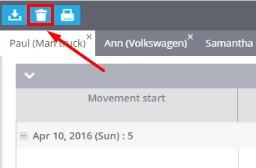
You can delete any of your reports by one click on the corresponding tool.
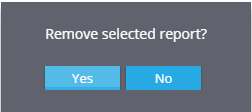
To complete the task press "Yes".